
Stable Motion Through a Cinematic Scene
A wide-format sequence combines character performance, rapid movement and camera tracking without losing the visual rhythm of the shot.
Plan longer scenes with multi-keyframe direction, multimodal references, richer sound and more precise control over every story beat.
Generate synchronized audio with the video
Preview video - Generate your own video above
Explore creative examples selected for their motion, narrative control and visual range. Each clip shows a different direction for ambitious video work.
A wide-format sequence combines character performance, rapid movement and camera tracking without losing the visual rhythm of the shot.
Multiple planned moments develop into a continuous scene instead of a collection of unrelated shots.
Fast character movement and an expressive environment create a compact vertical trailer with a clear sense of momentum.
Lighting, environment, vehicles and character design stay within one coherent visual language as the scene moves forward.
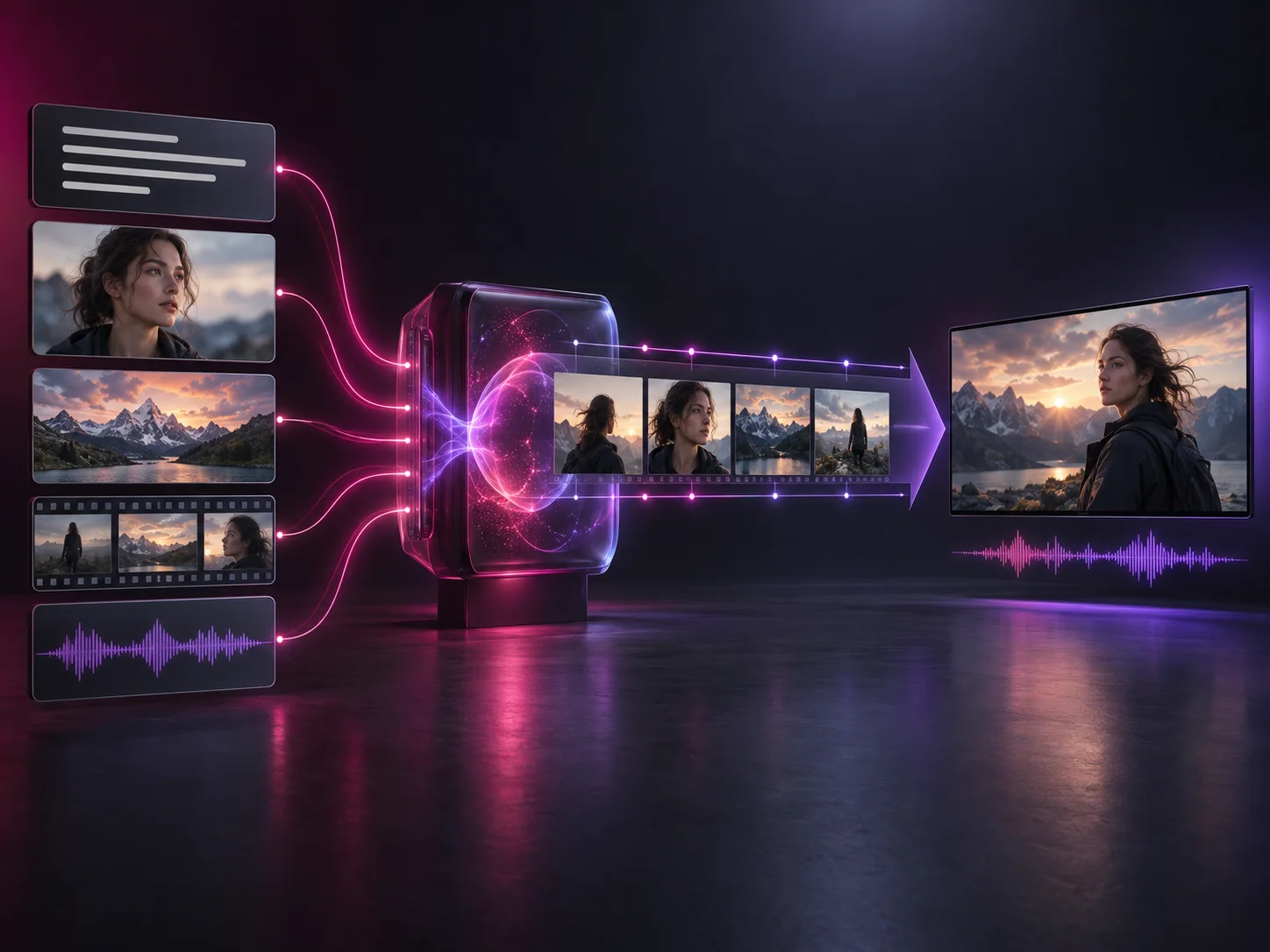
Kling 4.0 is the next generation of Kling's AI video system, designed to combine text, images, videos, subjects and voice references in a more complete production workflow. It has been officially announced, with Kling 4.0 Flash entering limited early access. The generator on this page continues to use the available Kling 3.0 task until Kling 4.0 is integrated.
These officially announced capabilities define the new model family. Some output options remain marked as coming soon by Kling.
The main upgrade is not one isolated quality setting. It is the ability to direct a longer, reference-rich sequence as a connected piece of video.
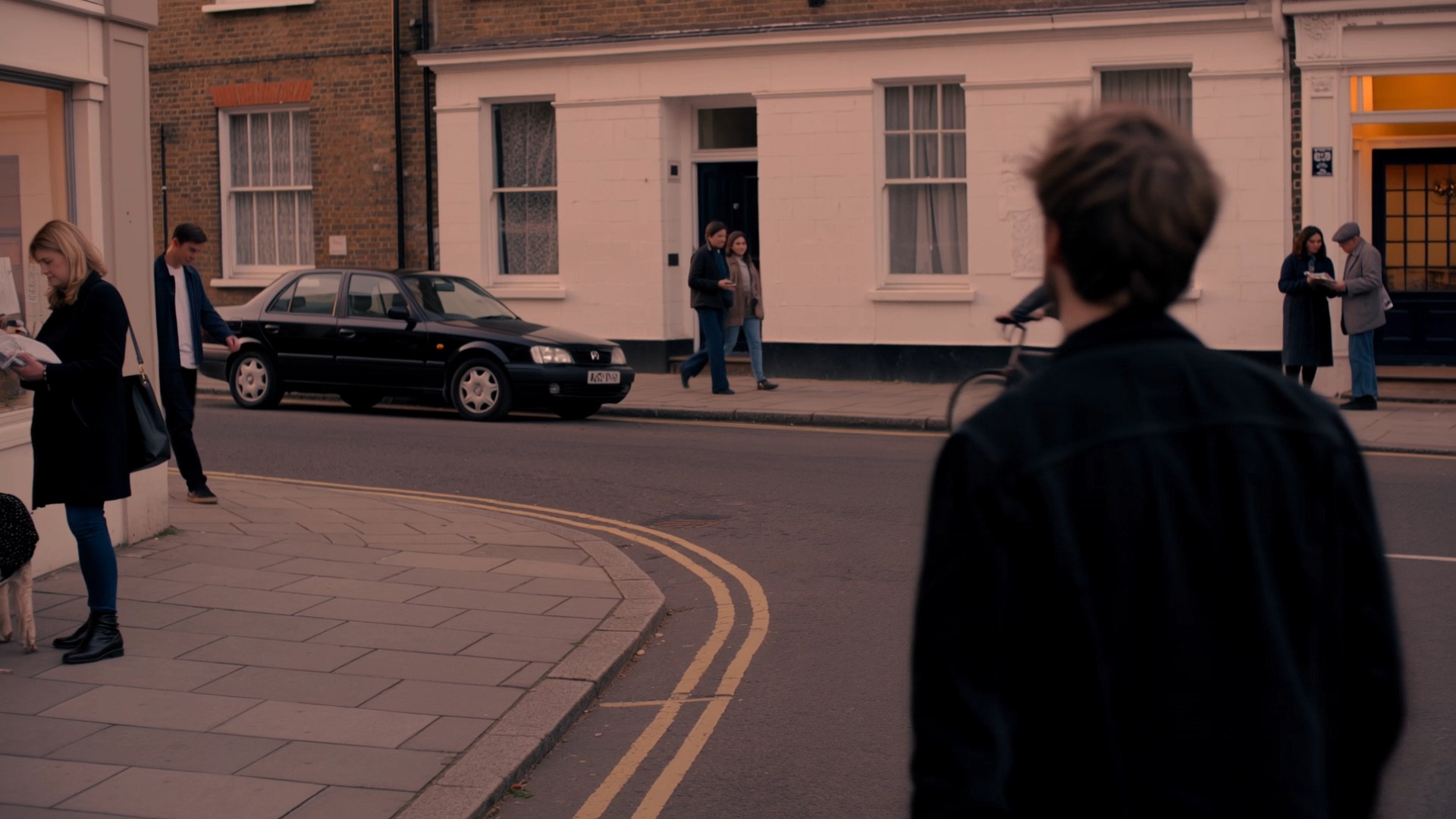
A single generation can hold a setup, a change and an ending. That gives actions and emotional beats enough time to develop without stitching together a stack of short clips.
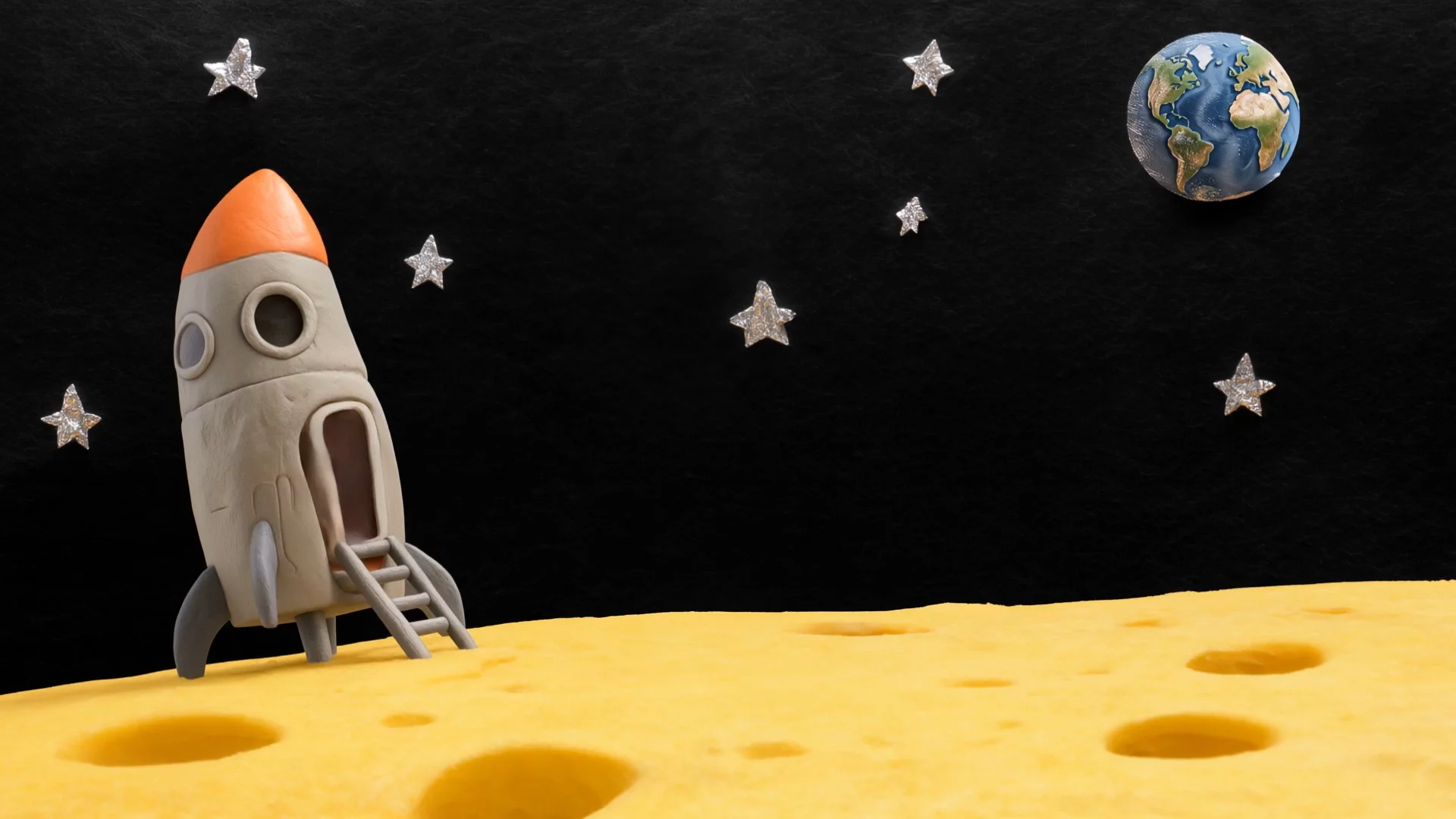
Keyframes let you define the visual moments that matter most. Set character states, scene changes and important story beats, then let the model build the motion between them.

Omni Reference brings several kinds of direction into one generation. Images can define characters and composition, videos can guide motion and pacing, and a voice reference can help anchor a subject.
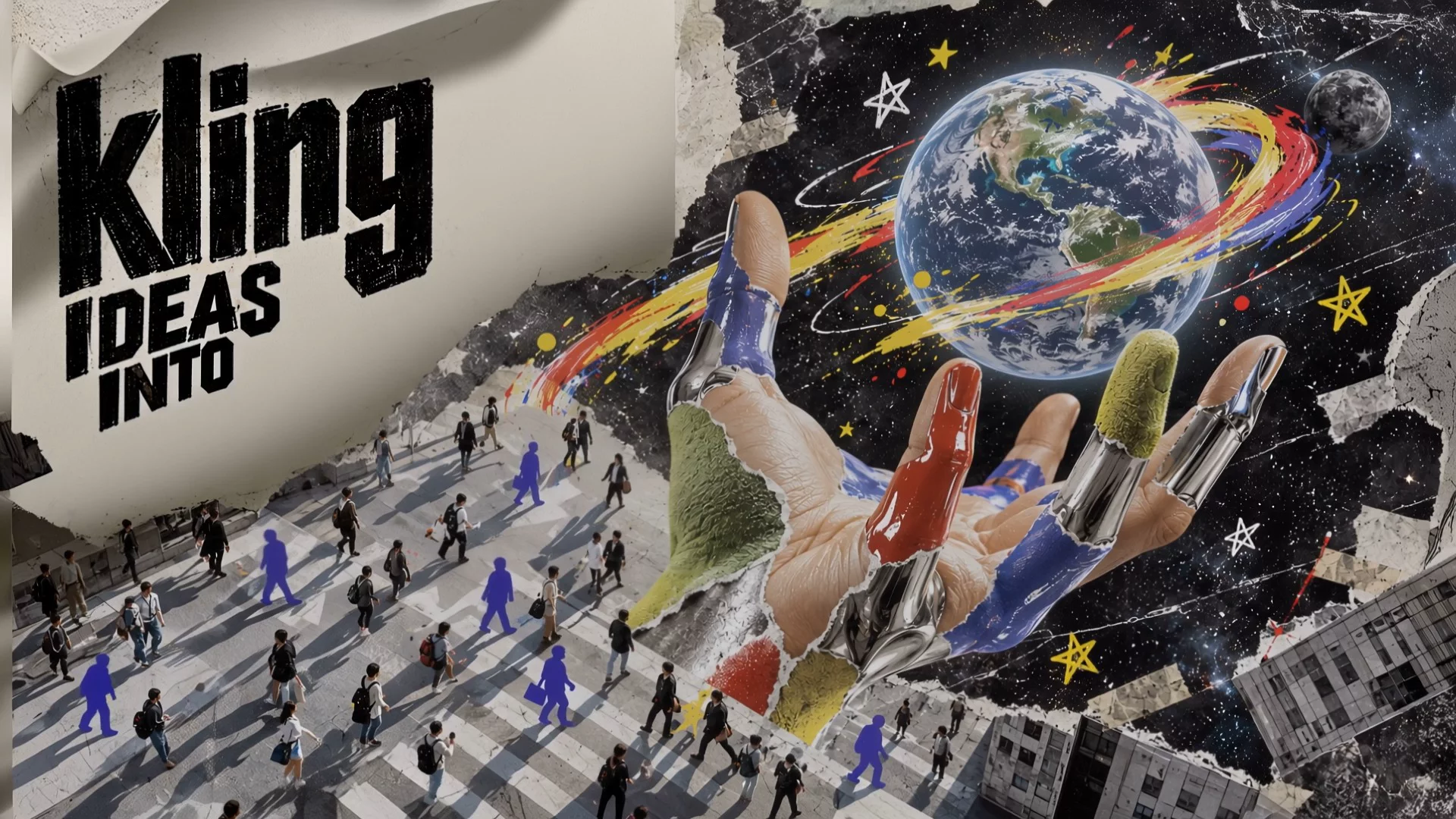
Kling 4.0 pairs more stable movement with stereo audio, improved lip sync, clearer generated text and a wider range of visual treatments for commercial and personal work.
Kling 4.0 expands the current workflow from controlled short clips toward longer scenes with more reference inputs and more points of direction.
| Capability | Kling 3.0 | Kling 4.0 |
|---|---|---|
| Single-generation duration | 3 to 15 seconds | 3 to 30 seconds |
| Frame direction | First frame and optional last frame | First and last frames plus up to 10 keyframes |
| Reference workflow | Text and frame-based modes in the current generator | Omni Reference with images, videos, subjects and voice |
| Prompt capacity | Up to 2,500 characters in the current generator | Up to 8,000 tokens in the announced specification |
Kling 3.0 values reflect the task currently available in this generator. Kling 4.0 values reflect the official announced specification and will be verified against the final integrated model.
Build the scene from the references and story beats that matter instead of relying on one long prompt alone.
Start from text, an image, first and last frames, multiple keyframes or Omni Reference when that mode is available.
Upload the character, environment, movement, composition or voice references that should guide the result.
Describe what happens over time and place keyframes at the moments where the scene must change direction.
Review motion, continuity, dialogue and framing, then revise the prompt or references before downloading the final clip.
Longer scenes and richer reference control make the model useful across narrative, commercial and style-driven production.
Develop a complete dramatic beat with entrances, reactions, camera changes and a clear ending inside one continuous sequence.
Reference the product, composition and movement style while keeping the item recognizable across a polished commercial shot.
Use subject references and planned keyframes to keep a character recognizable as the action and framing change.
Create presenter-led vertical clips with dialogue, natural gestures, product interaction and platform-ready pacing.
Combine expressive movement, camera direction, synchronized sound and a distinctive visual treatment.
Turn character, environment and style references into energetic sequences that stay within one designed world.
Direct answers about the model family, announced limits and the generator currently available on this page.
Kling 4.0 has been officially announced, and Kling 4.0 Flash has entered limited early access. Broader availability can vary by account and region.
Not yet. The generator currently defaults to the available Kling 3.0 task. It will switch to Kling 4.0 after the new model is integrated and its parameters and credit cost are verified.
The major upgrades include generation up to 30 seconds, as many as 10 keyframes, Omni Reference, a longer prompt limit, stereo sound, stronger lip sync and more targeted video editing.
Kling 4.0 Flash is the faster option in the model family. The announced specification lists 3-to-20-second generation, 720p output and 8-bit SDR.
One Kling 4.0 generation can run from 3 to 30 seconds. Kling also announced repeatable video extension up to two minutes as a coming-soon capability.
The announced specification includes 720p, 1080p and 4K output. Kling marks 10-bit HDR at 1080p and 4K as coming soon, so availability should be checked in the selected mode.
Omni Reference supports up to 15 combined items across images, videos, voice references and subjects, with separate limits for each type of input.
A public Kling 4.0 API contract and final model identifier have not been verified for this integration. API availability will be added only after the callable model and parameters are confirmed.
The credit price has not been configured on this page. Once Kling 4.0 is integrated, the generator will show the verified cost before a task is submitted.
Use the available Kling generator to shape a scene from text or frames while the new model is prepared for integration.